How to Use My Overlays with Hudsight 💫
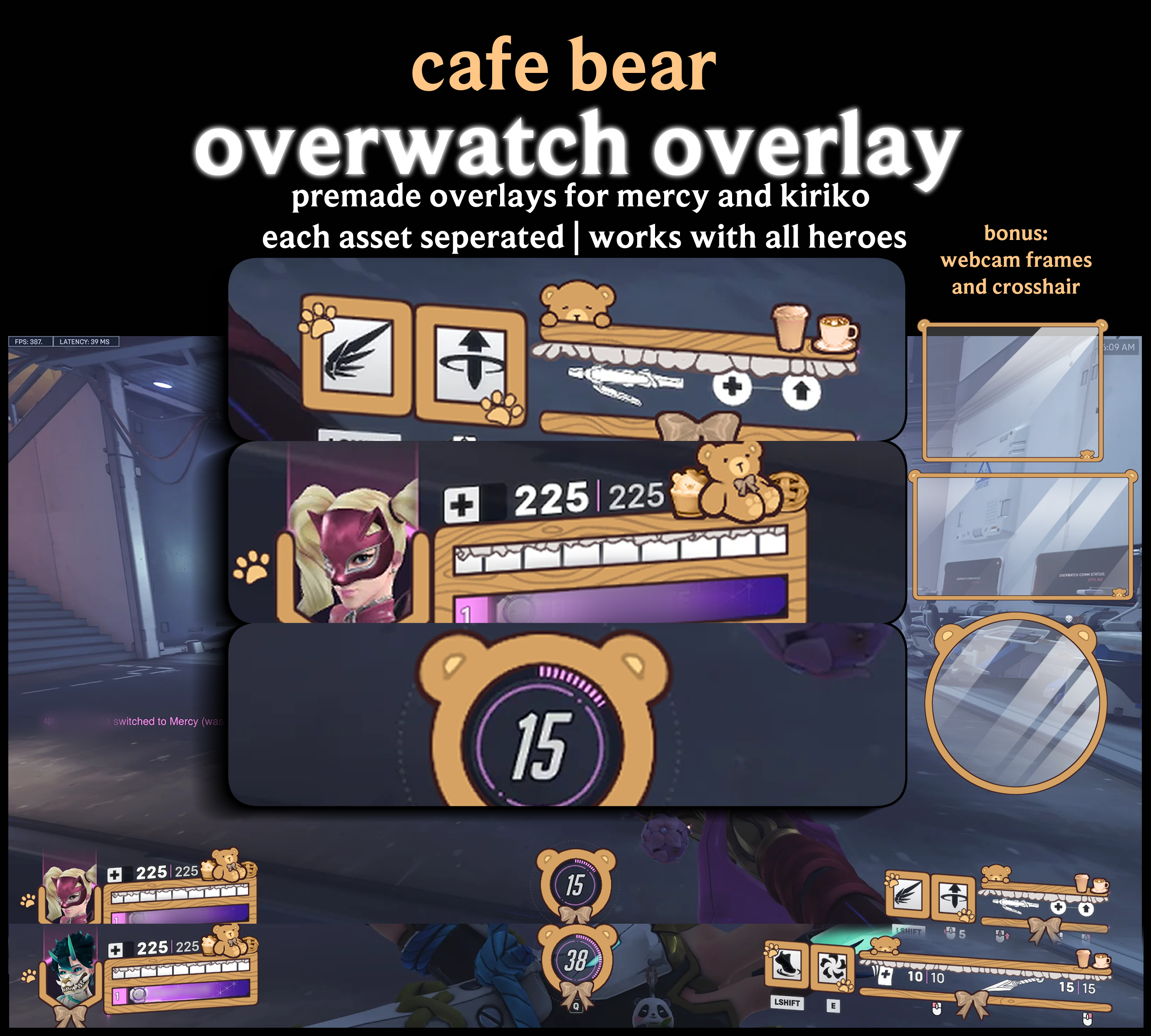
These overlays are designed to be super easy to use, even if you’ve never added custom skins to your games! Each overlay is separated into individual elements so you can mix and match to create a setup that feels uniquely yours.
- Download the overlay you want from my Ko-fi page.
- Open Hudsight on your PC (available via Steam, it’s affordable).
- Navigate to Overlay Mode → Custom Image.
- Upload the PNG overlay you downloaded from my collection.
- Adjust the size and position until it fits your game window perfectly.
- Launch your game and your overlay will float above your screen, centered and ready to go!
These overlays work with Overwatch 2, Valorant, Fortnite, Apex Legends, Paladins, and most games running in windowed or borderless mode. Essentially, it’s like giving your game its very own magical skin.
Stuck or have questions? Message me here | I’d be happy to guide you through it!